Shopify Gift Finder Quiz: Questions and Product Matching Examples
Build a Shopify gift finder with four useful questions, a sample product mapping, result-page copy, and a checklist for testing before launch.
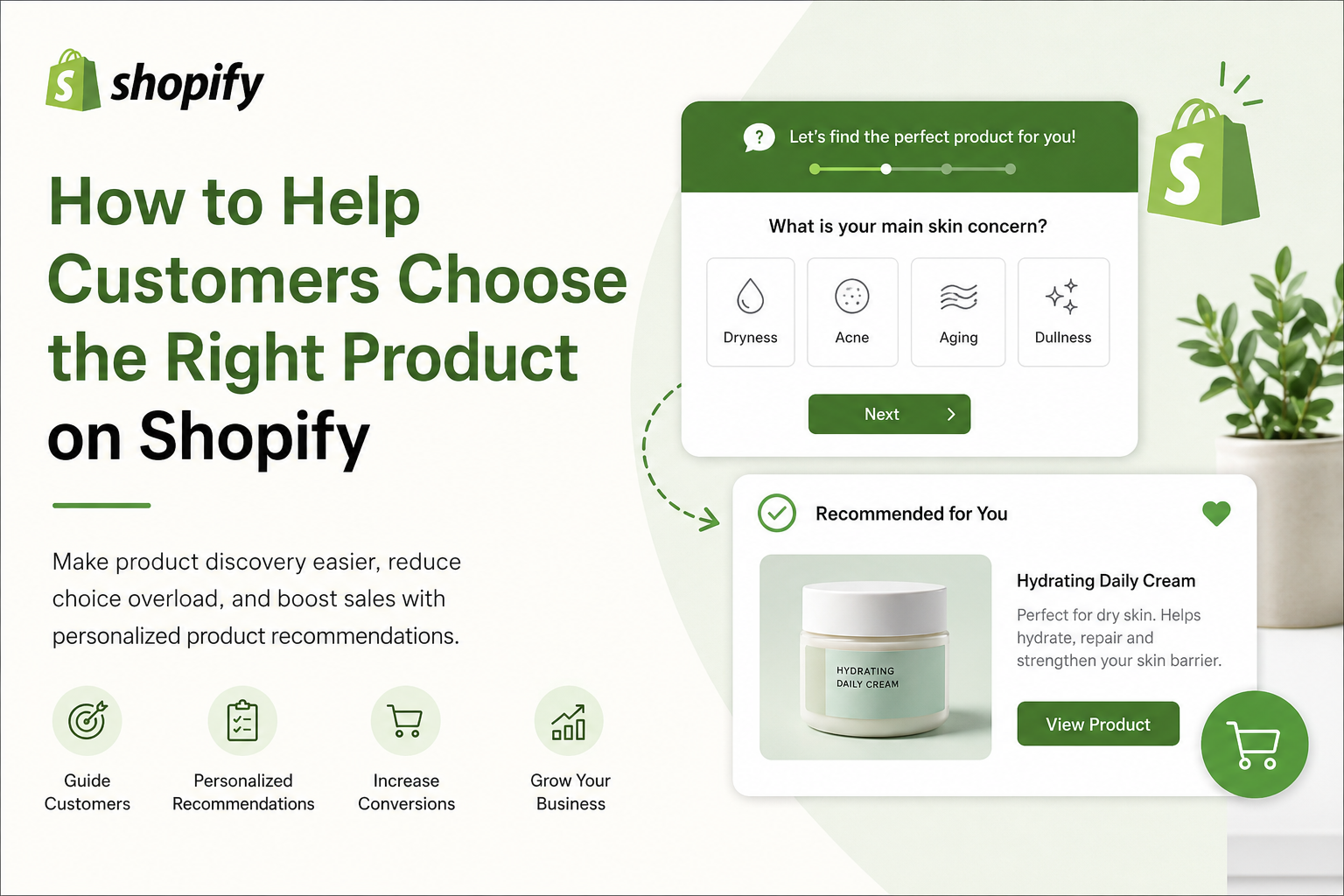
Start with a small gift collection
A useful gift finder narrows a real choice. Before writing questions, choose a manageable collection and note the price, interests, gift format, and fulfillment constraints for each item. This gives every answer a purpose: it must help include or exclude a product.
For this worked example, imagine a store selling a $30 travel mug, a $45 coffee tasting box, and a $75 brewing set. These are fictional products for planning your quiz, not a live SmartSell catalog. The mug suits everyday use, the tasting box suits trying new flavors, and the brewing set suits making coffee at home.
Four questions you can adapt
Question 1: What would they enjoy most? Offer everyday essentials, trying new flavors, and making coffee at home. These choices describe interests without assuming that a recipient wants a particular product because of their age or relationship to the buyer.
Question 2: What is your maximum budget? Offer up to $35, up to $50, and up to $100. Define the boundaries consistently and explain whether shipping is included. A shopper choosing up to $35 should not receive the $75 brewing set as their main match.
Question 3: What kind of gift do you want? Offer one useful item or a ready-to-give set. Use this answer to distinguish a standalone mug from a tasting box or brewing kit.
Question 4: When do you need it? Offer this week, later this month, and no fixed date. Use the answer as a prompt to check fulfillment rather than assuming the quiz can calculate shipping dates.
Map answers and handle an empty result
For a shopper choosing new flavors, up to $50, and a gift set, the $45 tasting box is a reasonable result. For everyday essentials and up to $35, show the $30 mug. Configure the relevant products for each answer using your quiz builder, then test the combined result rather than checking each question in isolation.
A shopper choosing a brewing kit and up to $35 has no exact match in this sample catalog. Explain that no kit meets the budget and offer a way to change the budget or browse lower-priced coffee gifts. Do not silently ignore the budget to display a more expensive product.
Explain the recommendation on the result page
Example copy: Coffee tasting box — $45. A ready-to-give selection for someone who enjoys trying new flavors, within your $50 budget. Follow that explanation with the real product image, a product-page link, and current availability.
Avoid invented match percentages. A plain explanation of the answers that led to the product is more useful than an unexplained 98% match. Let shoppers retake the quiz or browse alternatives if the suggestion is not right.
Test before placing the quiz in your navigation
Test the lowest budget, every interest, a sold-out item, and the no-match path on a phone. Check that the result link opens the correct product and that visitors can close or restart the quiz.
Publish the tested quiz on a gift guide or dedicated store page. Use a descriptive link such as Find a coffee gift from your navigation and relevant collections. Review completed quizzes and product clicks before adding more questions.
Questions Shopify merchants ask
How many questions should a gift finder ask?
Start with four questions that change the recommendations: interests, budget, gift format, and timing. Add another only if it resolves a real product choice.
Should a gift quiz require an email?
An email is not necessary to recommend a gift. If you offer to email the results, explain what the shopper will receive and make the subscription choice clear.
Can a quiz promise that a gift will arrive on time?
Only make a delivery promise when it is supported by current stock, shipping information, and the customer destination. A timing answer alone does not verify delivery.
Create a product recommendation quiz for your Shopify store
SmartSell Quiz helps you publish guided quizzes, recommend products, collect customer preferences, and improve the shopping experience without custom code.
Install SmartSell Quiz