Best for product recommendation quizzes
Create a quiz that asks about shopper needs, budget, style, skin type, size, recipient, or goal, then recommends matching Shopify products or collections.
Help shoppers find the right products with personalized quizzes. Build a gift finder, match answers to your products, and collect email leads. Start free with 100 quiz responses per month.
Watch the product tourA useful gift for their daily coffee ritual.
Sample experience · Customize with your own products and branding
Real screenshots from the app — quiz builder, storefront widget, and analytics dashboard.
Built specifically for Shopify merchants who want to guide customers to the perfect product — without custom code.
Create quizzes with multiple question types — single select, multiple choice, dropdown, and open text. Reorder questions instantly with drag and drop.
Map answers to specific products or collections. Customers get personalized recommendations based on their exact responses.
Match your brand with custom colors, fonts, button styles, and background images. Pop-up or embedded page — your choice.
Track every quiz response, see which answers lead to sales, and understand your customers better with built-in analytics.
Sync quiz responses to Klaviyo, Mailchimp, and Shopify Customers. Build targeted segments based on quiz answers for precision marketing.
Reward quiz completions with automatic discount codes. Card-style reveal or scratch-and-win — drive conversions at the moment of intent.
Describe your store's products to generate a draft quiz with AI. Review the questions and product matches before publishing. Usage limits depend on your plan.
Every quiz looks great on phones, tablets, and desktops. Optimized loading, touch-friendly interactions, and adaptive layouts.
Built-in anonymization tools and data compliance features. Customer data request and deletion webhooks handled automatically.
No developers, no custom code — just install and start guiding your customers to the right product.
Add SmartSell Quiz to your Shopify store in one click. No code required, works with any theme.
Use the drag-and-drop builder to create questions and map answers to your products or collections.
Embed as a floating button, pop-up, or page widget. Customize the design to match your brand.
Customers get personalized recommendations. You get more conversions, fewer returns, and deeper insights.
SmartSell Quiz is a Shopify quiz app for product recommendations, product finder quizzes, gift finder quizzes, lead capture, Klaviyo and Mailchimp follow-up, zero-party data, and guided selling pages.
Create a quiz that asks about shopper needs, budget, style, skin type, size, recipient, or goal, then recommends matching Shopify products or collections.
Publish a quiz as a page, popup, or floating button so shoppers can find the right product from your homepage, collection pages, ads, email campaigns, and holiday gift guides.
Learn how to build a product finder quizCollect email leads and connect your email platform for follow-up. Check the integration setup and available data before building campaigns.
Read the Klaviyo quiz guideEverything you need to get up and running, from installation to advanced integrations.
Install SmartSell Quiz, create your first quiz, and publish it to your storefront in under 5 minutes. Covers all quiz types and basic settings.
Add the quiz as a floating button, inline page block, or pop-up. Configure trigger behavior, display rules, and mobile breakpoints.
Connect your email platform, configure lead capture, and test a subscription before launching your quiz.
Learn how to add answer options, connect products, and use Image URL, product image, or uploaded images for each option.
Start for free. Upgrade when you're ready to grow.
| Feature | Free | Growth | ⭐ Business | Pro |
|---|---|---|---|---|
| Monthly | $0 | $9 | $24.99 | $59.99 |
| Quiz responses / month | 100 | 500 | 2,000 | 10,000 |
| AI Quiz Generation | ✓ | ✓ | ✓ | ✓ |
| Logic Jumps | ✓ | ✓ | ✓ | ✓ |
| Fully customizable design | ✓ | ✓ | ✓ | ✓ |
| Discount codes | ✓ | ✓ | ✓ | ✓ |
| Product filters | ✓ | ✓ | ✓ | ✓ |
| Price filters | ✓ | ✓ | ✓ | ✓ |
| Analytics | Basic | Advanced | Advanced | Advanced |
| Email support | — | ✓ | ✓ | ✓ |
| Klaviyo integration | — | ✓ | ✓ | ✓ |
| Mailchimp integration | — | ✓ | ✓ | ✓ |
| Shopify Customers sync | — | ✓ | ✓ | ✓ |
| Multiple quizzes per store | Up to 3 | Up to 7 | Up to 10 | Unlimited |
| Page, popup & button quizzes | ✓ | ✓ | ✓ | ✓ |
| A/B Testing | — | — | ✓ | ✓ |
| Remove SmartSell branding | — | — | ✓ | ✓ |
| Priority support | — | — | ✓ | ✓ |
| Custom development support | — | — | ✓ | ✓ |
| Multi-store support | — | — | — | ✓ |
| Install Free | Start Growth | Start Business | Start Pro |
Everything you need to know before getting started.
Practical guides to better product discovery, useful recommendations, and more confident shopping.
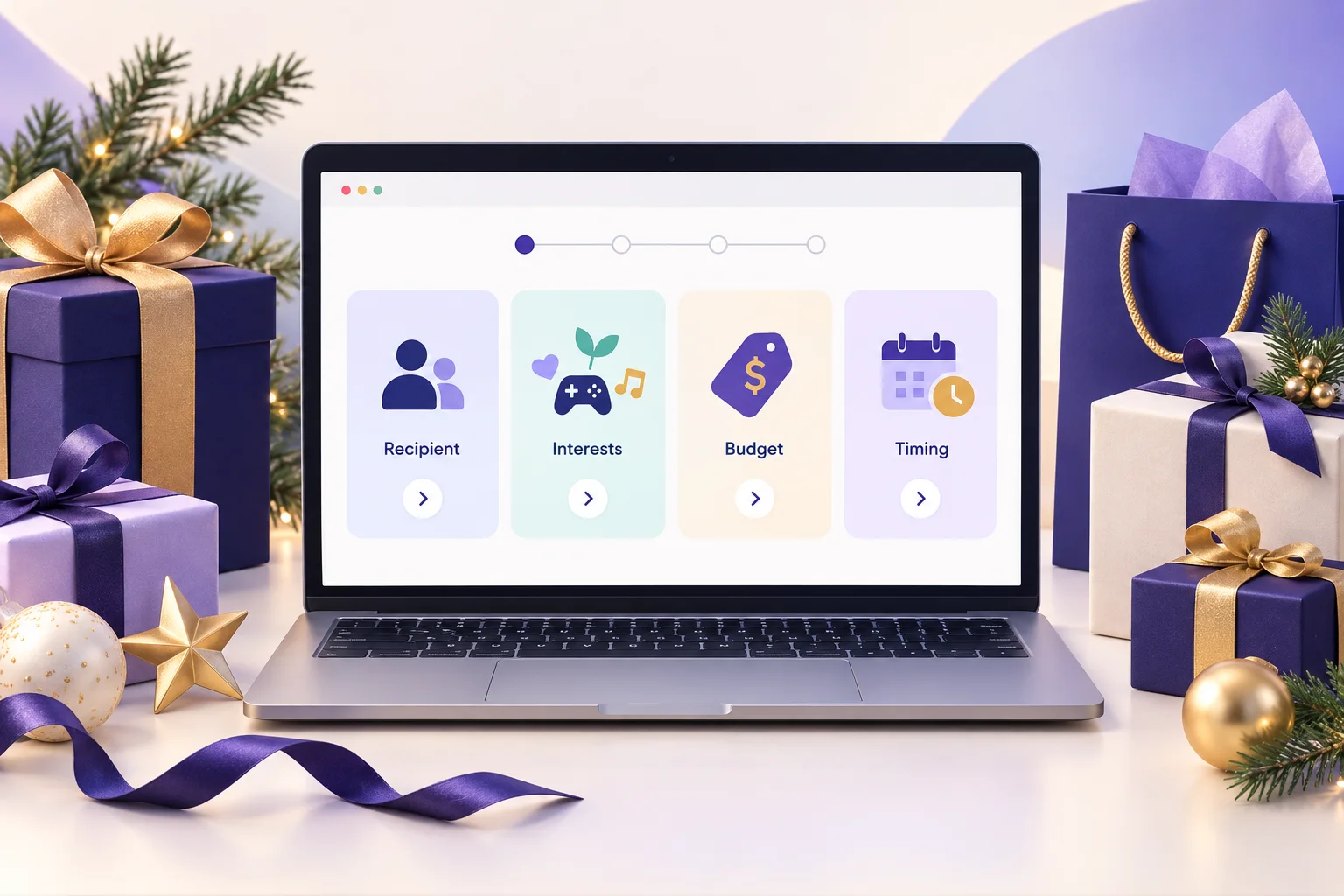
Build a Shopify holiday gift guide quiz that recommends products by recipient, interest, budget, and delivery timing. Follow this practical seven-step setup.
Read the guide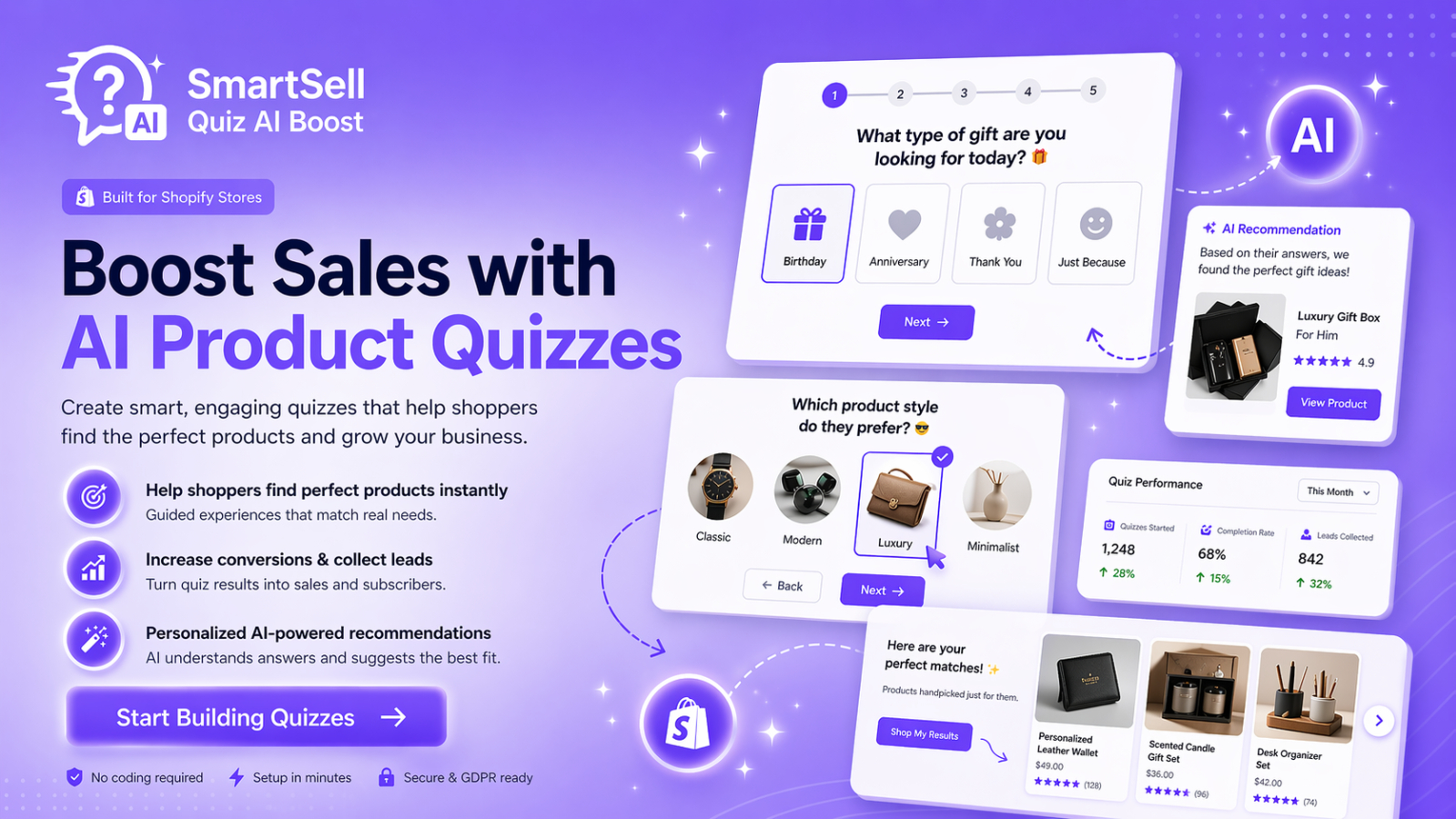
See how SmartSell Quiz AI Boost helps Shopify merchants create guided product quizzes, recommend relevant products, capture useful customer insights, and improve product discovery. Explore its quiz builder, AI assistance, display options, integrations, and analytics.
Read the guide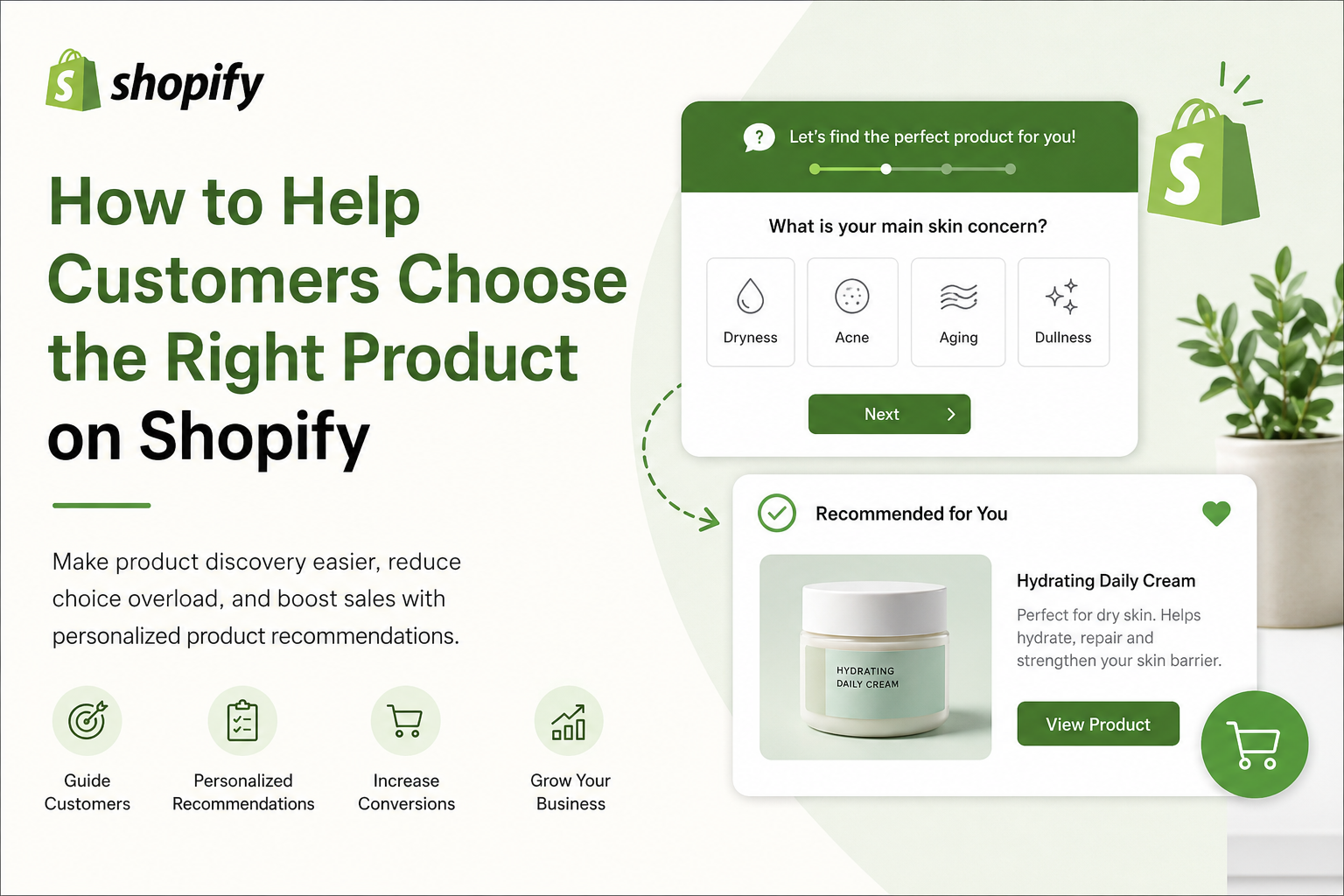
Build a Shopify gift finder with four useful questions, a sample product mapping, result-page copy, and a checklist for testing before launch.
Read the guideGive your shoppers a helpful starting point. Create your first product quiz and make it your own.
Start free on Shopify