How to Build a Shopify Holiday Gift Guide Quiz in 2026
Build a Shopify holiday gift guide quiz that recommends products by recipient, interest, budget, and delivery timing. Follow this practical seven-step setup.
Why pair a holiday gift guide with a quiz?
A static Shopify holiday gift guide is useful when shoppers already know which category to browse. A gift finder quiz helps when they are buying for someone else, comparing many products, or trying to stay within a firm budget. Instead of scanning a long collection, the shopper answers a few focused questions and receives a smaller set of relevant options.
The two formats work well together. Use the gift guide landing page to attract and orient seasonal shoppers, then place the quiz near the top for visitors who want help choosing. Shopify also recommends interactive gift-finder quizzes as a way to help indecisive shoppers and collect useful preference data.
Step 1: Choose the products before writing questions
Start with a seasonal collection that is small enough to manage. Record each product price, ideal recipient or use, key interests, inventory status, and relevant shipping constraints. This product matrix reveals which questions can genuinely separate one recommendation from another.
Do not put every store product into the first version. A focused set of in-stock gifts is easier to map and test. Include a mix of price points, but never show a product above the maximum budget selected by the shopper.
Step 2: Ask four high-value gift finder questions
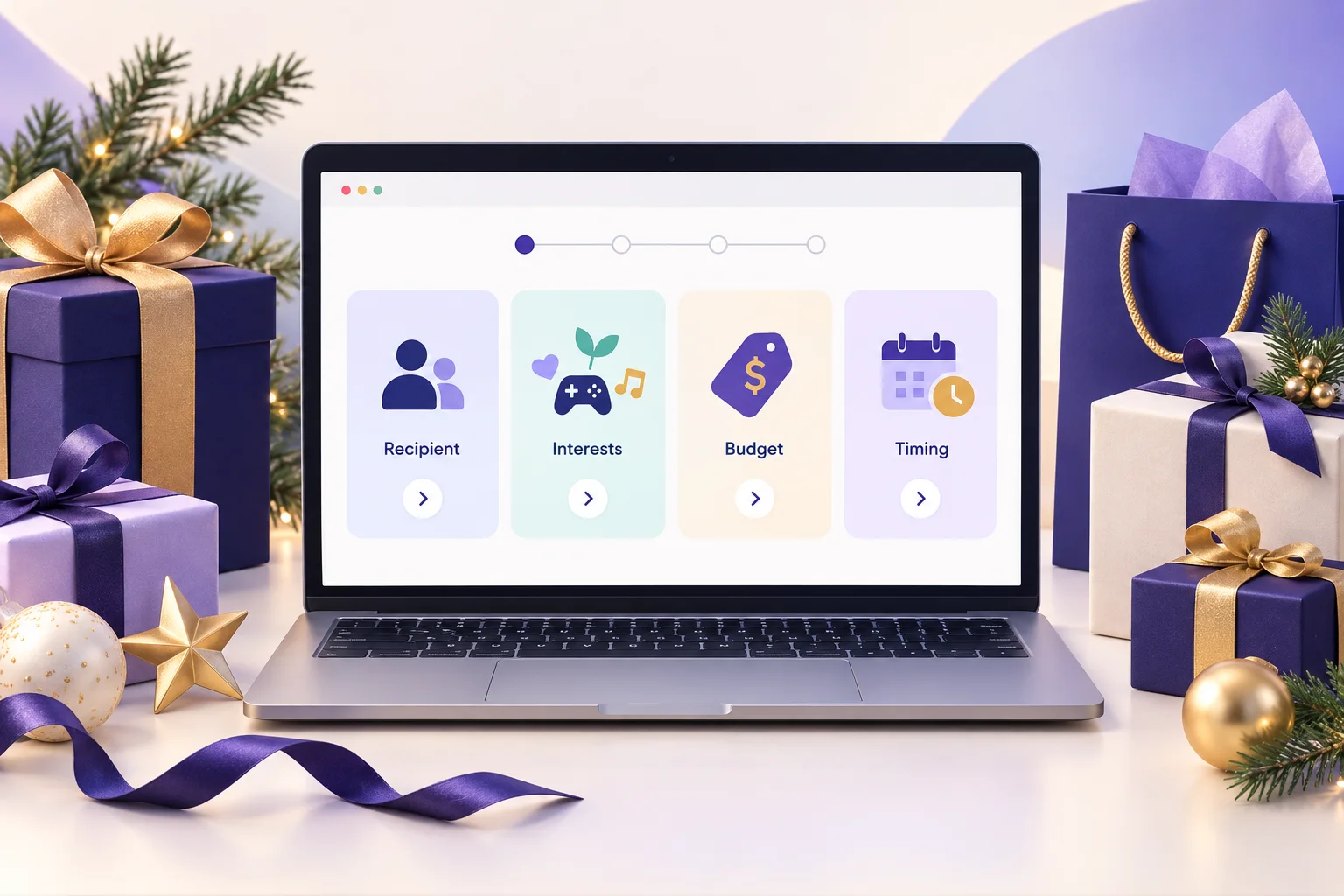
Begin with: Who are you shopping for? What are they interested in? What is your budget? When do you need the gift? A fifth question about style, size, gift format, or experience can help when it separates otherwise similar products.
Use answer labels that describe real choices. For budget, define non-overlapping ranges such as under $25, $25 to $50, $51 to $100, and over $100. For timing, avoid promising delivery unless current inventory, destination, and shipping data support that promise.
Step 3: Map requirements before preferences
Treat budget, compatibility, size, allergens, and availability as requirements when they must not be violated. Recipient and style answers can then rank the products that remain. This prevents a popular but unsuitable item from winning simply because it matched more soft preferences.
If the app uses direct answer-to-product or answer-to-collection mapping, test the combined answers in the published quiz. Do not assume that several individual mappings automatically behave like strict filters or weighted scoring.
Step 4: Write result pages that explain each match
A useful result names the product, shows the current image and price, and explains why it fits. For example: This $45 coffee tasting box fits your under-$50 budget and suits someone who enjoys discovering new flavors. Add a clear product link and an easy way to retake the quiz.
Plan a no-match result as carefully as the successful paths. If nothing meets the chosen budget or delivery need, say so. Let the shopper adjust an answer or browse a relevant collection instead of silently ignoring the constraint.
Step 5: Build an indexable holiday landing page
Publish the quiz on a dedicated Shopify page with a descriptive heading, a short explanation, links to useful gift collections, and a clear call to start. A page containing only an embedded widget gives search engines and shoppers little context.
Use a concise page title and description that match the store niche, such as Holiday Gift Finder for Coffee Lovers. Link to the page from the homepage, navigation, seasonal collections, relevant blog posts, and email campaigns. Keep one permanent URL where possible, then refresh the products and copy each season.
Step 6: Test mobile paths, stock, and measurement
Complete every important answer path on a phone and desktop. Check the lowest budget, the highest budget, tied results, sold-out products, no-match combinations, product links, restart controls, and the close button if the quiz appears in a popup.
Measure impressions, quiz starts, completions, result clicks, add-to-cart events, and purchases as separate funnel steps. Compare similar traffic sources and devices. A high completion rate is useful, but it is not the same as a sale.
Step 7: Launch early and improve the weak paths
Publish before peak holiday demand so the page can be crawled and the first visitors can reveal confusing questions or weak recommendations. Review the terms shoppers use in Google Search Console, but update titles only when the page can satisfy that search intent.
After launch, remove unavailable gifts, verify shipping messaging, and review the paths that end without a product click. Keep the useful guide live after the season if the URL has earned links or visibility; refresh it for the next campaign instead of creating a new competing page every year.
Questions Shopify merchants ask
What is a Shopify holiday gift guide quiz?
A Shopify holiday gift guide quiz asks a few questions about the recipient, interests, budget, and timing, then recommends suitable products or collections from the store.
How many questions should a holiday gift finder include?
Start with four or five questions. Keep only questions that change the recommendation, and make recipient, interest, budget, and delivery timing easy to answer.
When should a Shopify store publish its holiday gift quiz?
Prepare and test it before seasonal traffic rises. Publishing early gives search engines time to discover the page and gives the merchant time to improve weak quiz paths before peak shopping days.
Should the holiday gift quiz collect an email address?
Email capture should be optional unless it is genuinely required to deliver the result. Explain what the shopper will receive and provide a separate, clear choice for marketing consent.
Create a product recommendation quiz for your Shopify store
SmartSell Quiz helps you publish guided quizzes, recommend products, collect customer preferences, and improve the shopping experience without custom code.
Install SmartSell Quiz