How to Add an Interactive Quiz to Your Shopify Store
Learn how to add an interactive quiz to your Shopify store, choose the right placement, connect answers to products, and use quiz data to improve conversions.
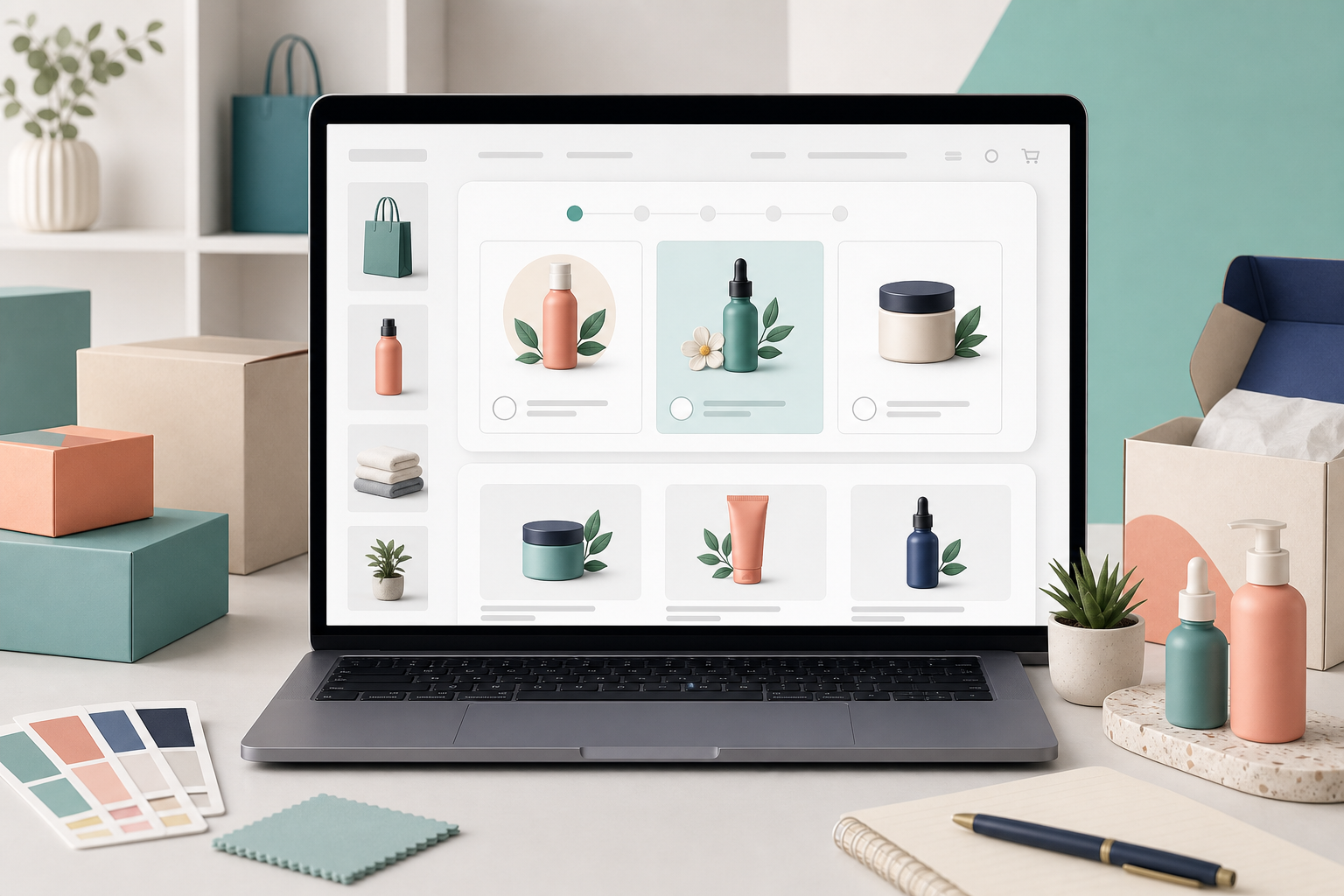
Why add an interactive quiz to Shopify?
An interactive quiz helps shoppers move from browsing to choosing. Instead of asking visitors to scan every product, the quiz asks focused questions and recommends the products that fit their answers.
For Shopify stores, this is especially useful when the best product depends on size, skin type, style, budget, occasion, routine, goals, or product knowledge. A quiz turns that decision into a guided shopping experience.
Choose the right quiz goal
Start with one clear outcome. Your quiz might help shoppers find the right product, build a skincare routine, choose a gift, select a bundle, compare product types, or get a personalized discount.
A focused goal keeps the quiz short and useful. If the quiz tries to collect every possible detail, shoppers may leave before reaching the recommendation page.
Install a Shopify quiz app
The simplest way to add an interactive quiz to Shopify is to use a quiz app from the Shopify App Store. A good quiz app should let you create questions, connect answers to products, customize the design, publish the quiz, and review results without editing theme code.
SmartSell Quiz is built for this workflow. You can create a product recommendation quiz, publish it as a page or popup, and use shopper answers to recommend relevant products.
Create questions that guide buying intent
Write questions that help narrow the product choice. Strong examples include what the shopper is looking for, who the product is for, their main goal, preferred style, budget, experience level, or concern they want to solve.
Use clear answer choices and avoid asking questions you will not use. Every answer should either improve the recommendation, personalize the result, or help you understand customer intent.
Connect answers to products or collections
After creating questions, map each answer to products that make sense for that shopper. For example, a gift quiz can connect recipient, occasion, and budget answers to gift-friendly products. A skincare quiz can connect skin type and concern answers to routines.
The result page should show a small set of recommendations with a clear reason to buy. Shoppers should understand why the quiz chose those products and what to do next.
Publish the quiz in the right place
You can add an interactive quiz to a dedicated Shopify page, homepage section, collection page, product page, popup, or side tab. The best placement depends on when shoppers need help choosing.
A dedicated quiz page works well for navigation menus, ads, email campaigns, and SEO. A popup or floating launcher can help visitors who are browsing but not clicking products.
Use quiz data to improve marketing
Interactive quizzes collect zero-party data: preferences, goals, budgets, concerns, and shopping intent that customers share directly with your store. This data can improve product recommendations, email segments, bundles, and retargeting messages.
If you capture emails before showing results, make the value clear. Shoppers are more likely to subscribe when they know they will receive a personalized product match, routine, gift guide, or useful offer.
Measure and optimize the quiz
After launch, track quiz views, starts, completion rate, result clicks, add-to-cart actions, email captures, conversion rate, and revenue from quiz sessions. These metrics show whether the quiz is helping shoppers make decisions.
Improve the quiz based on real behavior. Shorten questions if completion is low, refine product matching if recommendations feel broad, and test different placements if shoppers are not starting the quiz.
Questions Shopify merchants ask
What is add interactive quiz to Shopify store?
add interactive quiz to Shopify store is a practical topic for Shopify merchants who want to use guided product recommendation quizzes to help shoppers choose the right products faster.
How does a product recommendation quiz help Shopify stores?
A product recommendation quiz asks shoppers focused questions, recommends relevant products based on their answers, reduces product choice confusion, and gives merchants useful zero-party data.
Can SmartSell Quiz AI Boost work without custom code?
Yes. Shopify merchants can build questions, connect answers to products, customize the quiz, and publish it as a page or popup without developing a custom quiz system.
Create a product recommendation quiz for your Shopify store
SmartSell Quiz helps you publish guided quizzes, recommend products, collect customer preferences, and improve the shopping experience without custom code.
Install SmartSell Quiz