How To Capture More Emails With Interactive Quizzes
Learn how Shopify stores can use interactive quizzes to capture more emails, segment shoppers, personalize results, and turn subscribers into buyers.
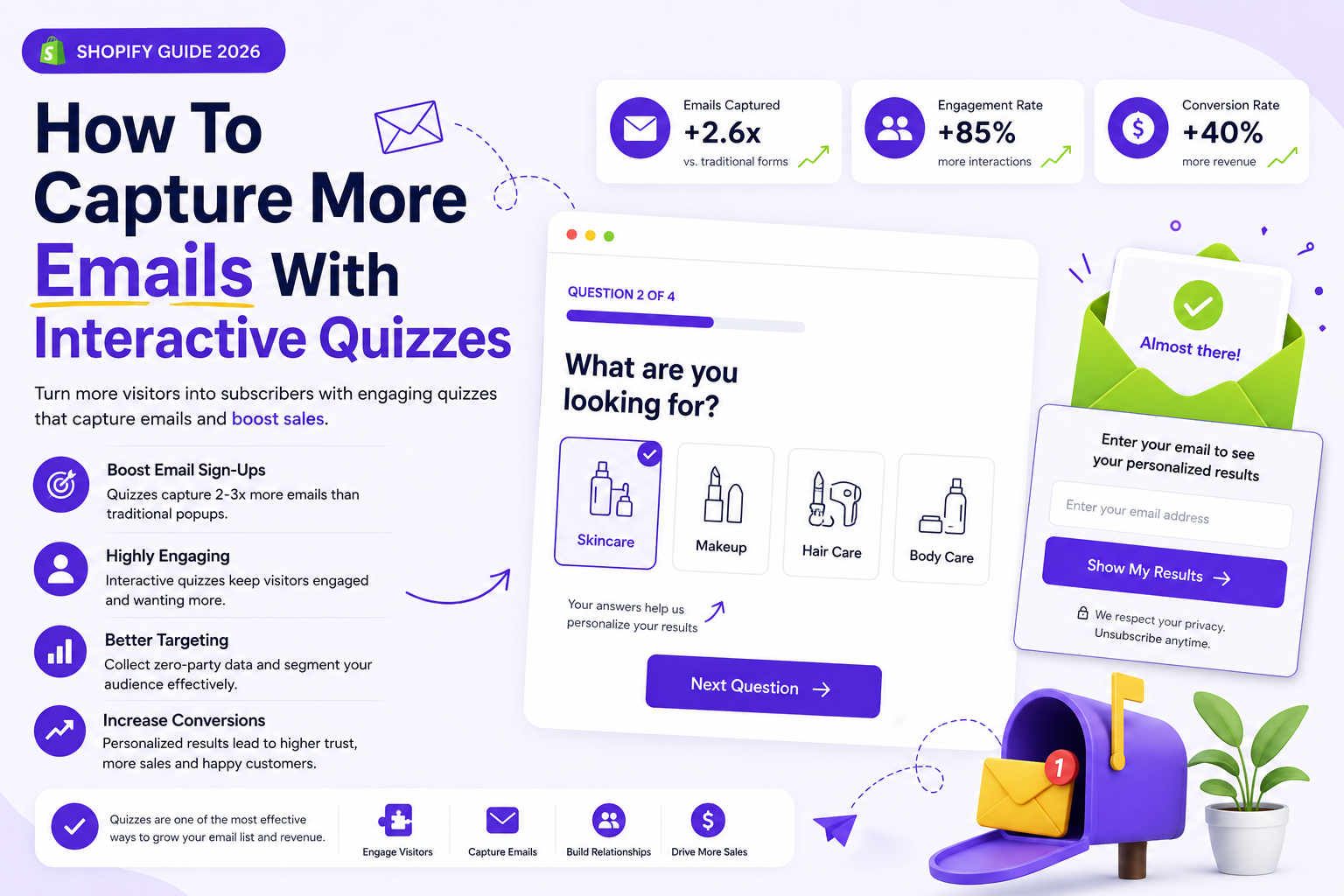
Why quizzes capture more emails than basic popups
Most email popups ask for something before giving the shopper a reason to care. An interactive quiz feels different because it starts by helping the visitor solve a problem, choose a product, or get a personalized result.
When shoppers answer a few questions, they become more invested in the outcome. Asking for an email before showing the result feels like a natural step instead of an interruption.
Give shoppers a reason to subscribe
The best quiz opt-ins offer a clear payoff. That could be a personalized product match, a skincare routine, a gift guide, a size recommendation, a bundle suggestion, or a discount tied to their answers.
Keep the email step focused on the benefit. Instead of generic copy like “Join our newsletter,” use language that connects to the quiz result, such as “Enter your email to see your personalized recommendations.”
Place the email capture at the right moment
Email capture usually performs best after the shopper has answered enough questions to expect a useful result. If you ask too early, the quiz feels like a form. If you ask too late, you may miss the chance to grow your list.
A strong pattern is to show the opt-in before the result page, then let the result page continue the buying journey with recommended products and a clear call to action.
Use quiz answers to segment your email list
Interactive quizzes do more than collect email addresses. They also collect zero-party data: the preferences, goals, concerns, and shopping needs that customers share directly with your store.
Use those answers to create better email segments. A shopper interested in skincare should receive different follow-up emails than someone shopping for makeup, hair care, body care, gifts, or a specific budget.
Turn subscribers into buyers with personalized follow-up
The first email after the quiz should reflect what the shopper chose. Send their recommended products, explain why those products fit, and make it easy to return to the result or cart.
Follow-up emails can include education, social proof, bundles, replenishment reminders, and limited-time offers based on the quiz outcome. This keeps the journey personal after the first visit.
Measure email capture and revenue together
A quiz is working when it captures qualified leads and helps those leads buy. Track quiz starts, completions, email opt-in rate, result clicks, add-to-cart rate, conversion rate, and revenue from quiz subscribers.
SmartSell Quiz helps Shopify merchants build interactive product quizzes that capture emails, recommend products, and collect customer preference data without custom code.
Questions Shopify merchants ask
What is capture emails with interactive quizzes?
capture emails with interactive quizzes is a practical topic for Shopify merchants who want to use guided product recommendation quizzes to help shoppers choose the right products faster.
How does a product recommendation quiz help Shopify stores?
A product recommendation quiz asks shoppers focused questions, recommends relevant products based on their answers, reduces product choice confusion, and gives merchants useful zero-party data.
Can SmartSell Quiz AI Boost work without custom code?
Yes. Shopify merchants can build questions, connect answers to products, customize the quiz, and publish it as a page or popup without developing a custom quiz system.
Create a product recommendation quiz for your Shopify store
SmartSell Quiz helps you publish guided quizzes, recommend products, collect customer preferences, and improve the shopping experience without custom code.
Install SmartSell Quiz